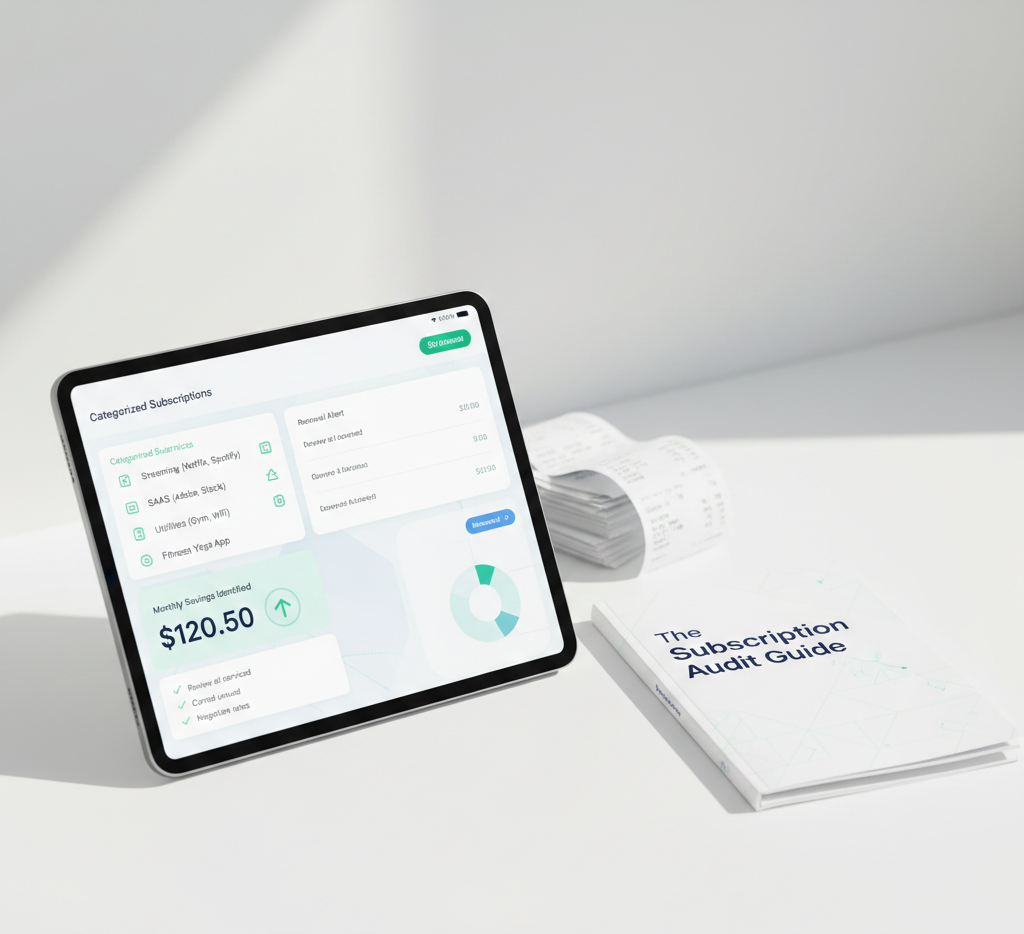
Most people spend hours manually auditing their bank accounts only to miss half of their recurring charges. With the average consumer wasting hundreds of dollars per year on forgotten services, a manual scroll through bank statements is no longer enough. The problem is that subscriptions are fragmented across multiple cards, payment portals, and mobile devices. If you use one card for work tools, another for family entertainment, and Apple Pay for mobile apps, a single bank search will never reveal the complete picture.
This guide reveals the 5-minute shortcut to finding every active service you're paying for—without the manual labor, spreadsheets, or exposing your financial data to third-party bank aggregators.
Why Manual Bank Statement Audits Fail
When most people decide to clean up their budget, their first step is logging into their banking app and scrolling through transactions. While this seems logical, it is actually a slow and incomplete method for three major reasons:
First, bank statements are lagging indicators. They only show you what has already been charged. If you have an annual subscription renewing tomorrow, your bank account won't show it until the money has left your account. Second, credit card statements often group mobile charges under generic names like "Apple.com/Bill" or "Google Play," hiding the specific apps you are paying for. Third, subscriptions billed to PayPal, Amazon, or other digital wallets display as wallet transactions rather than the actual software or streaming service name.
If you use Gmail or Outlook, copy and paste this search query to find billing contracts in seconds:
("unsubscribe" OR "subscription" OR "billing agreement" OR "next billing date") AND ("receipt" OR "invoice" OR "payment confirmed"). This script isolates the receipt documents sent by subscription platforms and excludes general marketing newsletters.
The 5-Minute Subscription Lookup Shortcut
To audit your accounts in under 5 minutes, follow this optimized sequence. By checking your digital platforms first, you bypass the need to scroll through thousands of banking transactions:
| Audit Target | Time Required | Shortcut Action | What It Uncovers |
|---|---|---|---|
| Mobile App Store | 1 Minute | Open settings on your phone and click the Subscriptions ledger. | Mobile games, fitness trackers, dating apps, and utility tools. |
| Email Transaction Sweep | 2 Minutes | Run the custom invoice query to isolate billing emails. | Web SaaS platforms, newsletter subs, and annual cloud backups. |
| Digital Wallet Agreements | 1 Minute | Check PayPal's automatic payments page or Amazon's subscription manager. | Services that charge via third-party checkouts to mask card statements. |
| Automated receipt aggregator | 1 Minute | Connect a secure, no-bank-link receipt parser like SubDupes. | Compiles all the above footprints into a single, clean dashboard. |
Free trials that require a credit card are designed to convert to paid subscriptions automatically. Because these trials don't charge your card on day one, a bank statement audit will never show them. You must look for the "Trial Signup Confirmation" email in your inbox to find them before they bill you.
The Step-by-Step Lookup Process
-
Step 1: Check Apple & Google Play Subscriptions (1 Minute)
Nearly 40% of forgotten consumer charges are managed by mobile platforms. On an iPhone, open Settings > tap your Apple ID profile image at the top > click Subscriptions. On an Android device, open the Google Play Store > tap your profile picture > select Payments & Subscriptions > click Subscriptions. -
Step 2: Run Gmail/Outlook Search Scripts (2 Minutes)
Open your email client and paste the search query:"your subscription has renewed" OR "order confirmation" OR "billing invoice". Scroll down the results list and note any service names that you do not actively use on a weekly basis. -
Step 3: Review PayPal Automatic Payments (1 Minute)
Log in to your PayPal dashboard, click the Settings gear icon in the top right, go to the "Payments" tab, and select "Manage Automatic Payments." Cancel any outdated active billing agreements from old websites or services. -
Step 4: Use SubDupes to Centralize (1 Minute)
Connect your receipt inbox to SubDupes. The platform runs these search filters automatically, grouping all your subscriptions by cost, billing frequency, and category without sharing bank passwords.
How SubDupes Automates Subscription Discovery Privately
Manual searches work once, but subscriptions accumulate again over time. **SubDupes** acts as a permanent, automatic guard dog for your budget:
- Email Receipt Scanner: SubDupes safely parses your digital receipt confirmations via a read-only email connection, identifying new subscriptions the moment they occur.
- Zero Bank Integration: We never ask you to input your online banking credentials. Your financial core, bank balances, and other transactions remain 100% private.
- Smart Overlap Finder: The dashboard automatically groups subscriptions by category (e.g. storage, design, AI) and flags duplicate tools so you can consolidate them.
- Pre-Billing Alerts: Get SMS or email notifications 14 days before any annual or monthly renewal, ensuring you have time to cancel.
James was using three different cards for his writing business. He assumed his subscriptions cost around $60/month. By linking his receipt inbox to SubDupes, the platform scanned his history and compiled a complete ledger in under 90 seconds. It discovered an active writing assistant ($30/mo), an old hosting server ($12/mo), and a stock image site ($29/mo) he hadn't used in 4 months. Switch to SubDupes saved James $852 annually in digital waste.
Frequently Asked Questions
Find all your subscriptions in seconds, not hours.
Stop paying for software you don't use. Discover zombie services and take control of your recurring budget. Start your free private audit with SubDupes today.
Start Free Audit Now