The language around automatic billing is deliberately vague. When you sign up for a service, the checkout page might say "monthly subscription," "recurring billing," "automatic renewal," or "continuous payment authority." These terms are often used interchangeably, but they describe specific payment mechanisms with different implications for how you cancel them and who controls the billing relationship.
Understanding the difference between recurring payments and monthly charges isn't just semantics — it directly determines which portal you need to visit to stop a charge, how much notice you need before a billing date, and what your rights are when you want to cancel.
Recurring Payments: The Umbrella Term
A recurring payment is any transaction that is pre-authorized to charge your payment method automatically on a defined schedule. The schedule can be daily, weekly, monthly, quarterly, or annual. The key characteristic is that the payment happens without any action from you after the initial authorization.
Recurring payments include:
- Software subscriptions (monthly SaaS tools, Adobe Creative Cloud, Microsoft 365)
- Streaming services (Netflix, Spotify, Hulu, YouTube Premium)
- Utility bills set to autopay (electricity, internet, phone)
- Loan repayments and insurance premiums
- Gym memberships and fitness apps
- Annual software licenses (antivirus, cloud storage)
UK and European readers should note the distinction: a Direct Debit gives the merchant defined control within a regulated framework. A Continuous Payment Authority (CPA) gives a merchant an open-ended right to charge any amount at any time using your card details. CPAs are harder to cancel because the merchant controls the amount — always prefer Direct Debits or PayPal billing agreements for subscription services when possible.
Monthly Charges vs. Other Billing Cycles: Key Differences
| Billing Cycle | Frequency | Common For | Risk Level | Tracking Difficulty |
|---|---|---|---|---|
| Monthly | Every 30 days | Streaming, SaaS tools, gym memberships | Medium — visible but frequent | Low — regular statement pattern |
| Annual | Once per year | Cloud storage, productivity suites, domain names | High — easily forgotten between cycles | High — requires 12-month lookback |
| Quarterly | Every 3 months | Some insurance plans, professional services | Medium — infrequent but easy to miss | Medium — appears 4x per year |
| Weekly / Usage-Based | Variable | Metered SaaS, per-seat tools, pay-as-you-go services | High — unpredictable amounts | High — no fixed date or amount |
Monthly charges appear on statements 12 times per year, making them relatively visible. Annual charges appear once, often around the anniversary of a product sign-up — a date you are unlikely to remember. Many annual subscriptions are priced at a 15–20% discount over the monthly equivalent, which makes them attractive at sign-up but nearly invisible 11 months later. Always set a calendar alert for 14 days before any annual renewal.
How Automatic Payments Work (And Why They're So Hard to Stop)
When you authorize a recurring payment, you create a billing agreement between yourself and the merchant. Depending on the payment method, this agreement is stored in different systems:
-
Card-on-file (direct merchant): Your card details are stored in the vendor's payment system (usually Stripe, Braintree, or Square). The vendor initiates the charge on your card on the billing date. Canceling requires logging in to the vendor's platform and canceling through their billing settings.
-
Apple In-App Purchase: The billing agreement is held by Apple. When a subscription renews, Apple charges your Apple ID payment method and pays the developer. Canceling requires going to your Apple ID Subscriptions panel — not the app itself.
-
Google Play In-App Purchase: Similar to Apple. The billing relationship is with Google. Cancel via Google Play's Payments & Subscriptions panel.
-
PayPal Billing Agreement: If you signed up using PayPal checkout, the authorization is held at the PayPal level. Even if you cancel with the vendor, the PayPal billing agreement may remain active. Cancel in PayPal Settings > Payments > Manage Automatic Payments.
How to Build a Complete Recurring Payment Tracker
Most people have recurring payments spread across multiple cards, multiple platforms, and multiple billing cycles. A centralized tracker is the only reliable way to maintain visibility over your entire recurring payment landscape.
The most effective approach combines three data sources:
- Email receipt archive: Every recurring charge sends a billing confirmation. Your inbox is the single most complete record of your recurring payments. Search for "receipt," "invoice," "billing statement," and "payment confirmed."
- Mobile platform ledgers: Apple ID and Google Play subscriptions panels show every in-app recurring payment currently active under your account.
- Card and bank statements: Cross-reference with your card statements to find any payments that did not generate an email receipt (very rare, but possible for utility autopay and older billing systems).
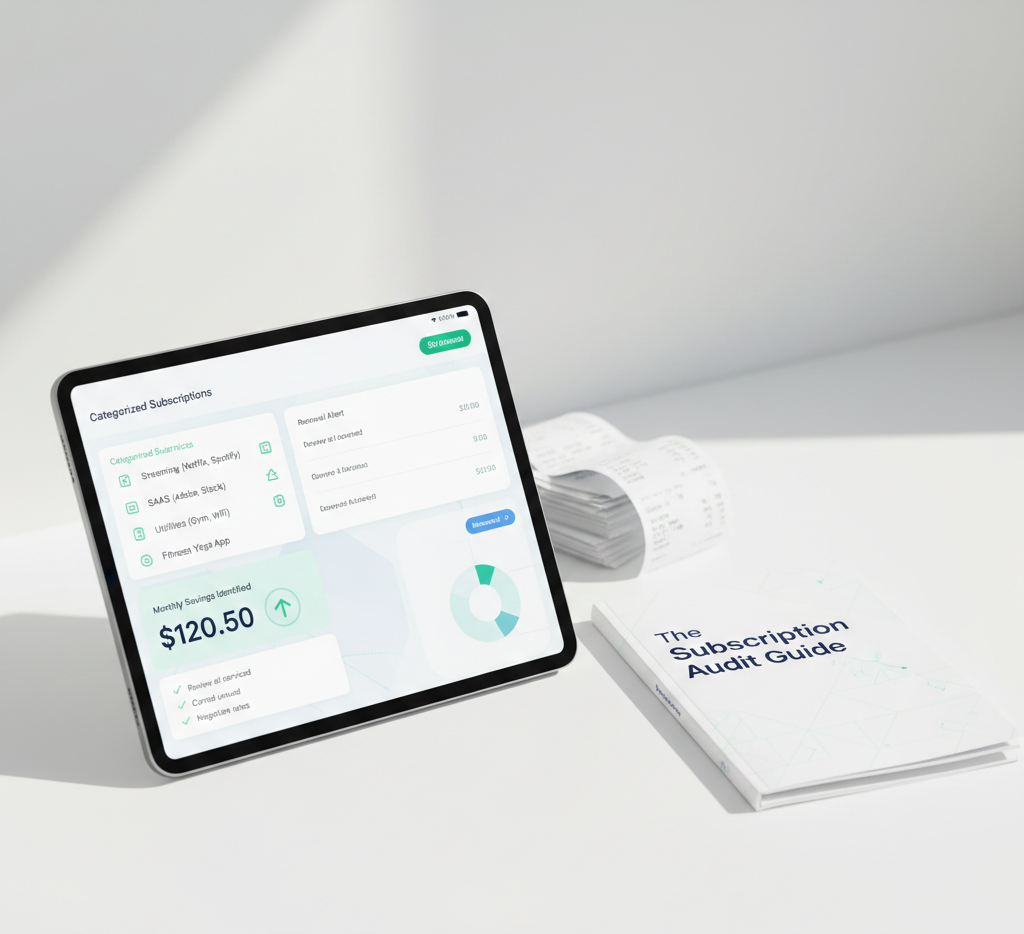
Alternatively, an automated aggregator like SubDupes handles all three layers simultaneously by parsing your billing emails and presenting a unified dashboard — including renewal dates, amounts, billing frequency, and price change history.
Emily's team had authorized 14 different vendor billing agreements across three company credit cards over two years. No single person had visibility over the full list. After connecting the team's billing email to SubDupes, the platform compiled the complete recurring payment register in minutes — revealing three annual subscriptions due to renew within 30 days that nobody was aware of, totaling $2,700 in upcoming charges. The team was able to cancel two before they renewed, saving $1,800.
Frequently Asked Questions
See every recurring payment and monthly charge in one place.
SubDupes automatically tracks all your recurring payments from billing emails — no bank access required. Get renewal alerts, price-change notifications, and a complete billing calendar. Start free today.
Start Free Audit Now